
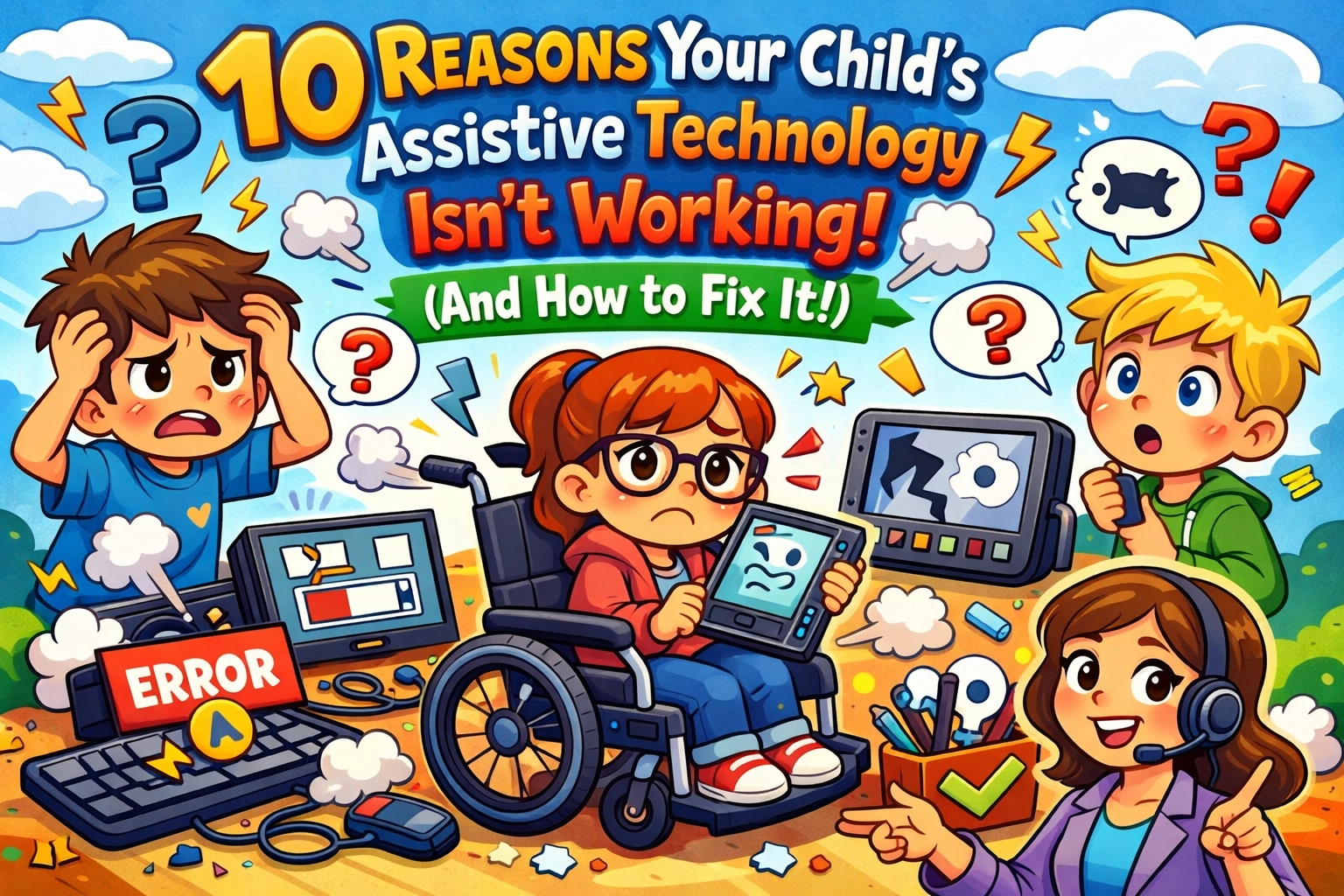
So, you finally did it. You spent months in IEP meetings (Individualized Education Programs, basically the legal roadmap for your child's education), you argued with administrators, and you finally got that shiny piece of Assistive Technology (AT) for your kid. Maybe it’s a high-tech communication device, a specialized tablet, or a fancy text-to-speech software. You brought it home, expecting a "movie moment" where everything suddenly clicks.
But instead of a breakthrough, the device is currently gathering dust on the kitchen counter, or worse, it’s being used as a very expensive frisbee.
Trust me, I get it. At XTERMIGATOR KIDS, we live and breathe the idea that a disability is not an inability, but we also know that the "tech" part of assistive technology can sometimes feel like trying to navigate the Friendly Ferns Swamp without a map. If the tools aren't working, it’s usually not the kid: it’s the system or the setup.
As one frustrated mom, Sarah, told me recently: "I thought the iPad was going to be his voice, but right now it's just a $600 way for him to watch CoComelon while I cry in the hallway."
Let’s stop the crying and start the fixing. Here are ten reasons why that AT might be failing and how we can get Gator-strong results.
1. The "Ghost Tool" Problem: You Don't Know What You Don't Know
One of the biggest hurdles is simply not knowing what’s in the swamp. Many parents and even teachers think AT is just "computers." In reality, it’s a massive spectrum from low-tech (like a simple pencil grip or a printed visual schedule) to high-tech (like eye-gaze software that lets a child type with their pupils).
If the current tool isn't working, it might just be the wrong tool for the job.
Fix It: Request a formal Assistive Technology Evaluation. This isn't just a "vibe check"; it’s a structured process where experts look at your child's specific needs and match them with the right gear. Don't be afraid to check out our FAQ for more on how to navigate these requests.

The XTERMIGATOR KIDS mission: highlighting that different is beautiful and tools are just there to level the playing field.
2. The "Drop and Run" Training Method
We’ve seen this a million times. A district drops off a device, gives a five-minute "here’s the power button" tutorial, and disappears into the mist. You can’t expect a child: or a teacher: to master complex software without real training.
"It’s like giving someone a cockpit of a 747 and saying, 'Good luck, don't crash,'" says Dr. Aris, an educational consultant and longtime friend of the swamp. "If the staff isn't trained, the device becomes a burden instead of a bridge."
Fix It: Make sure "Staff Training" and "Parent Training" are written directly into the IEP. If it’s not on paper, it’s just a suggestion. You need hands-on time to learn the shortcuts and troubleshooting tips.
3. The "Unfair Advantage" Myth
Believe it or not, some people still think AT is "cheating." You might run into a teacher who thinks letting a student use a text reader is "unfair" to the other kids who have to read the traditional way.
Let’s be clear: AT is about equity, not an advantage. It’s like giving a pair of glasses to a kid who can’t see the board. You wouldn't call glasses "cheating," right?
Fix It: Use the "Level Playing Field" talk. Explain that AT removes the barrier so the child can show what they actually know. We’re here to "exterminate" those old-school misconceptions!
4. The "Social Stigma" Shrug
Kids want to fit in. If your child is the only one in class with a giant, clunky device that beeps loudly, they might feel like a "sore thumb." Even Gator feels a bit self-conscious sometimes when his tail gets in the way of the lily pads!
Fix It: Normalize the tech. Can the software run on a standard iPad or laptop that other kids are using? Can the device be customized with cool stickers (XTERMIGATOR KIDS stickers, anyone?) to make it feel like a personal accessory rather than a medical device?
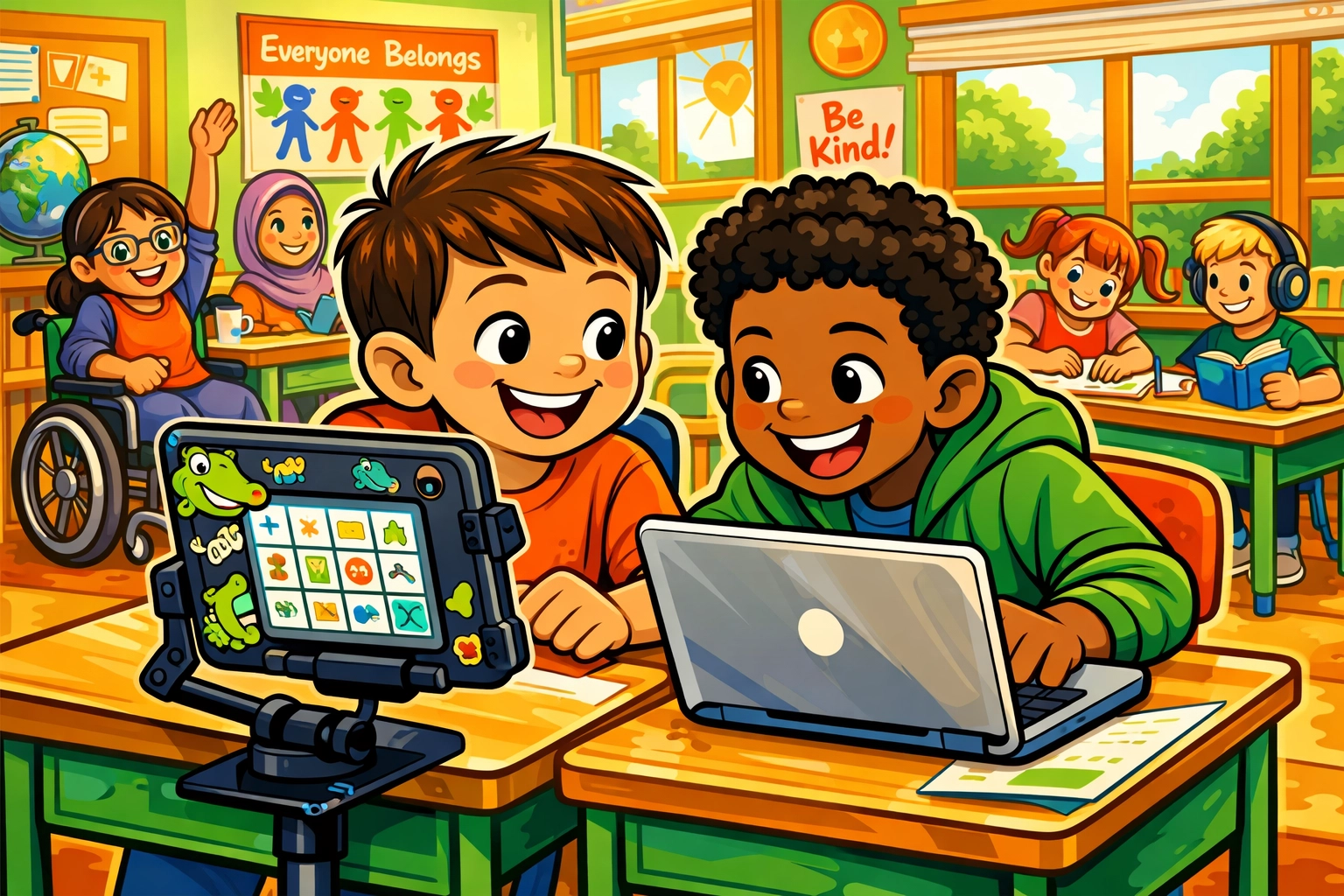
A classroom setting where multiple students are using different types of tech, showing that everyone uses tools to learn.
5. The "Whose Job Is It?" Mystery
When everyone is responsible, no one is responsible. If the SLP (Speech-Language Pathologist) thinks the classroom teacher is handling the device, and the teacher thinks the paraprofessional is doing it, the device stays in the backpack.
Fix It: Identify the "AT Champion." This is the person who checks the battery, updates the software, and makes sure the device is actually on the desk. Assigning specific roles in the community connection of your school team is vital.
6. Lack of Modeling (The "Lead by Example" Rule)
If you want a child to use a communication device, they need to see you using it. If the adults only point to the device when they want the child to do something, the child learns it’s a "work" tool, not a "connection" tool.
Fix It: Speak "AAC" (Augmentative and Alternative Communication) to them. Point to the icons while you talk about your day. "Gator is… HAPPY… to see… YOU!" When they see you doing it, it becomes a natural language.

Just like Gator and the Zoomy Frog, using the right tools and communicating clearly helps solve any swamp mystery.
7. It’s Just Too Hard to Use
Sometimes the interface is just clunky. If it takes fifteen clicks to say "I need the bathroom," your child is going to find a faster (and likely messier) way to communicate that need.
Fix It: Simplify the layout. Most AT software allows you to hide buttons or create "hotkeys" for frequent needs. Keep the most important stuff front and center.
8. The "Dinosaur Tech" Syndrome
Tech moves fast. If the school is using a version of Windows from 2004, it’s probably not going to play nice with modern apps. Slow, glitchy tech is the fastest way to make a kid give up.
Fix It: Advocate for hardware refreshes. Schools often have budgets for tech updates that they don't advertise. If the device is slowing down your child's progress, it's time for an upgrade.
9. "Price Tag Panic"
Sometimes schools hold back on the best tool because they are worried about the cost. They might try to offer a "low-cost alternative" that doesn't actually meet the child's needs.
Fix It: Focus on the needs, not the cost. Under the law (IDEA – Individuals with Disabilities Education Act), schools are required to provide the tools necessary for a "Free and Appropriate Public Education" (FAPE). If a specific tool is necessary, the cost shouldn't be the barrier.
10. The "Island" Effect: Inconsistency
If the child uses the device in the speech room but isn't allowed to take it to the playground or home, they aren't learning that the device is their voice: they’re learning it’s a "school toy."
Fix It: Ensure the device is "portable and accessible" in all environments. It should go to lunch, to the gym, and home for the weekend. Consistency is the secret sauce to AT success.

When we all work together and use the right tools, the whole swamp wins. Inclusion isn't just a buzzword; it's how we thrive.
Moving Forward: The Future is Accessible
We are living in an incredible age for assistive technology. Every day, new innovations are making it easier for children with diverse needs to express their brilliance. Whether it’s AI-driven predictive text or wearable haptic devices, the future looks bright.
Remember, the goal isn't just to "use the tech." The goal is to unlock the incredible potential already inside your child. As we say here at XTERMIGATOR KIDS, we’re not just managing disabilities; we’re celebrating abilities.
If you’re feeling stuck, reach out to our community. You don’t have to navigate the swamp alone. Let’s make sure those tools are working as hard as our kids are!
Keep being awesome, and remember: Different is beautiful. Together, we are unstoppable.
Eric Fishon is the Owner of XTERMIGATOR KIDS and a passionate advocate for inclusive education. When he’s not helping parents navigate the complexities of the school system, you can find him hanging out with Gator and the rest of the Friendly Ferns crew.